Sunburst
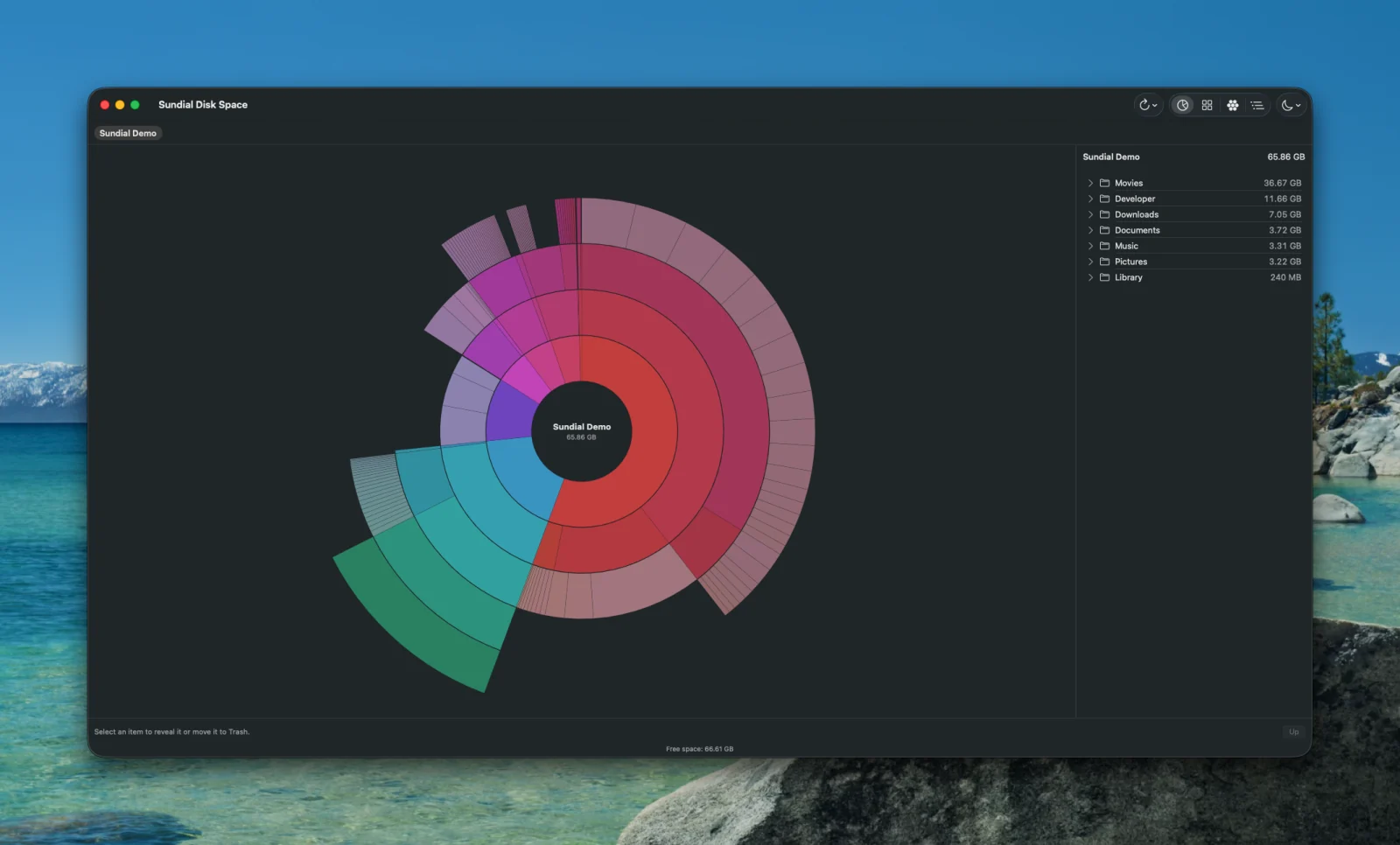
Directory levels become rings. Each segment's area is proportional to the bytes it allocated. Five levels deep.
Sundial turns a crowded folder into a map you can read. Scan a directory, spot what is taking the room, and move the files you no longer need to the Trash. The numbers are honest, the controls are native, and your data stays on your Mac.
Universal binary · Apple silicon and Intel · App Sandbox
Each view reads the same scan. Click a folder to open it, click a file to select it. The breadcrumb walks back up.
Directory levels become rings. Each segment's area is proportional to the bytes it allocated. Five levels deep.
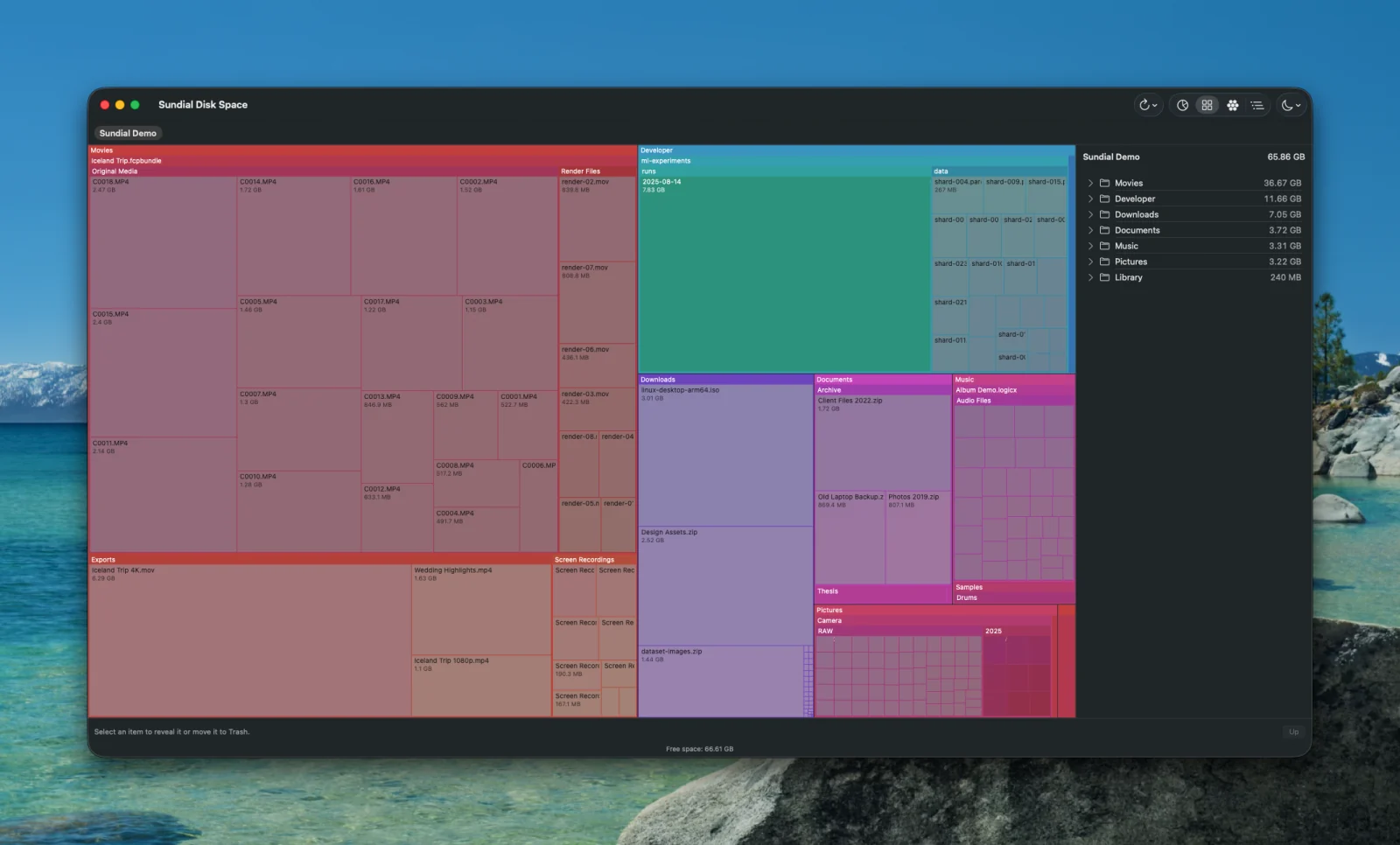
A treemap. The same proportions as the sunburst, packed into rectangles, which is easier to compare at a glance.
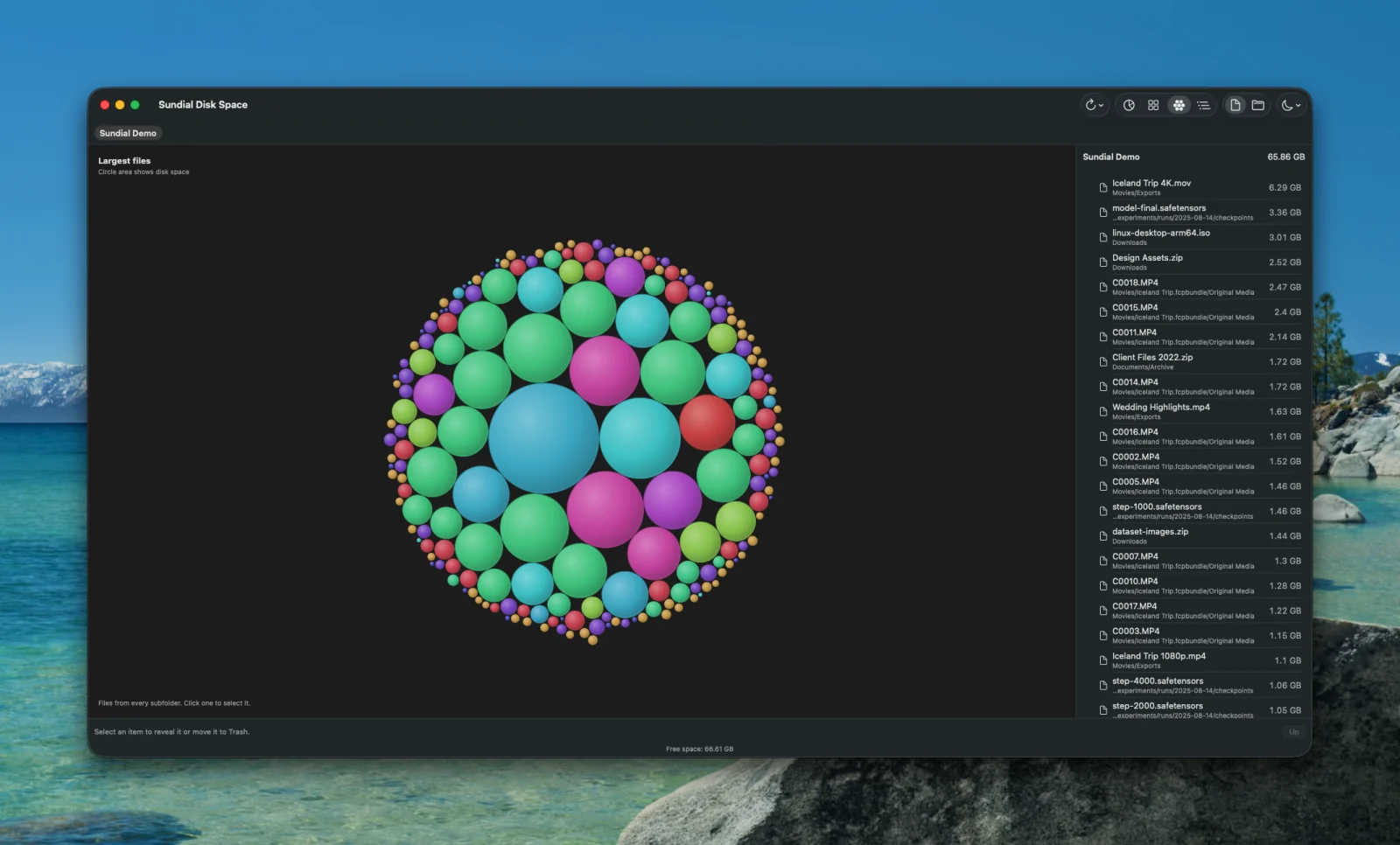
The 200 largest files at any depth, as circles. Files in the same folder share a color, so a big file deep in a tree stands out. Drag a circle through the others.
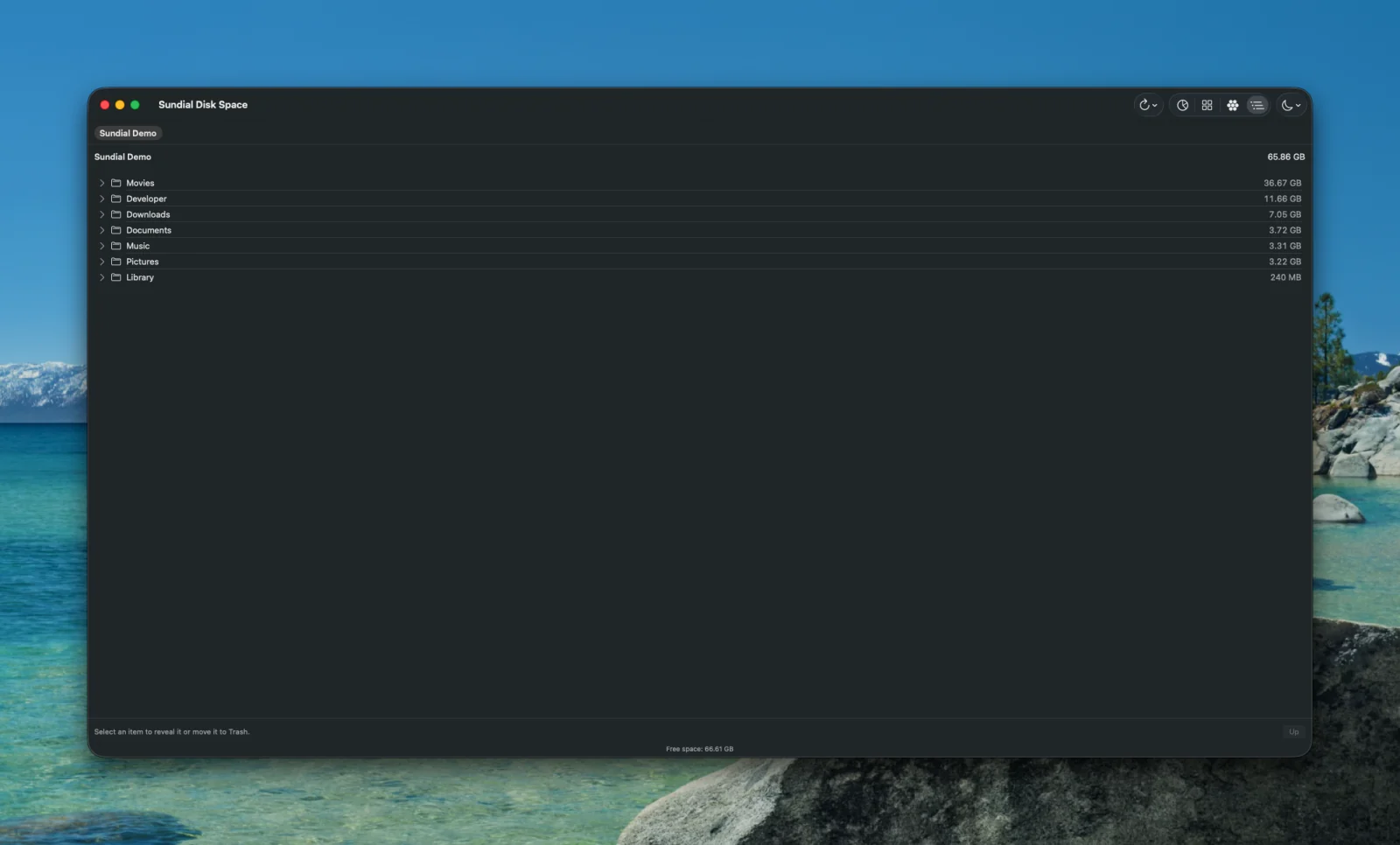
The file browser using the whole window. It is present in every other view too, and it is the one that reads correctly to VoiceOver.
Sundial is careful about what it counts, when it refreshes, and what happens when you press Trash.
The first folders appear while the scan continues, down to three levels, with deeper contents aggregated until the full tree arrives. If a previous scan exists, its entry count drives the progress estimate.
Sundial saves the folder tree and an FSEvents cursor. The next refresh re-reads only the folders macOS reported as changed. If macOS cannot prove the event history is complete, it does a full scan instead of guessing.
Sizes are allocated bytes, which is what the volume actually gave up, not file length. The scanner stays on one volume, skips symbolic links, and counts a hard-linked file once.
Unreadable paths show up in a banner with the error, and the totals then describe only what was measured. A failed or incomplete refresh never replaces a complete saved scan.
Deleting measures the item on a worker thread, then asks. Files go to the macOS Trash, so you can put them back. After a delete, overlapping saved scans are invalidated and the affected roots are rescanned to reconcile hard links.
Sundial runs under App Sandbox with access only to the folder you picked. Bookmarks are not persisted, so it asks again after a relaunch. A saved measurement is not an access grant.
The native list is the accessible representation of the three visuals. Its rows announce name, type, and size, and expose selection, opening, Reveal, and Trash. The canvas drawings are hidden from the accessibility tree so the browser is not read out twice.
| ↑ ↓ | Select a row |
| → | Expand the selected folder |
| ← | Collapse it, or move to its parent |
| Return | Open the selected folder |
| ⌘↑ | Go to the parent folder |
| ⌘⇧R | Reveal in Finder |
| ⌘⌫ | Measure, confirm, then move to Trash |
A disk tool that overstates what it measured is worse than no tool.
Sundial runs on macOS 14 and later, on Apple silicon and Intel.
macOS 14 or later. Universal binary for Apple silicon and Intel. Roughly 6 MB.
Sundial ships through the Mac App Store. It runs in the App Sandbox and reads only the folder you give it.
Sundial reads only the folder you pick, does no network calls, and sends no telemetry. It has nowhere to send your file names. Read the privacy policy.
The interface, the scanner, the layouts, and the cache are all Swift. No third-party dependencies.
Each cache file stores its metadata and tree atomically. Invalid records are ignored and rebuilt rather than trusted.
The Trash path, the cache, and the scanner each have their own suite, and every build runs them. A tool that moves your files to the Trash has to earn that.